The Developer Path
Master Figma from a developer's perspective. Learn to inspect, extract, and implement design systems with precision.
Dev Mode Mastery
Unlock the inspect panel
Navigate Figma's developer tools with confidence. Learn to read component properties, extract CSS, and understand spacing, typography, and color values at a glance.
What you'll learn
- Use the Dev Mode workspace effectively
- Read component properties and variants
- Extract CSS, iOS, and Android code snippets
- Understand auto-layout constraints

Asset Pipeline
Automate your exports
Build scalable export workflows that save hours. From single icons to entire design systems, learn to configure assets for every platform and resolution.
What you'll learn
- Set up naming conventions for easy reference
- Export SVGs, PNGs, and vectors at scale
- Configure responsive assets for web and mobile
- Integrate exports into your CI/CD workflow
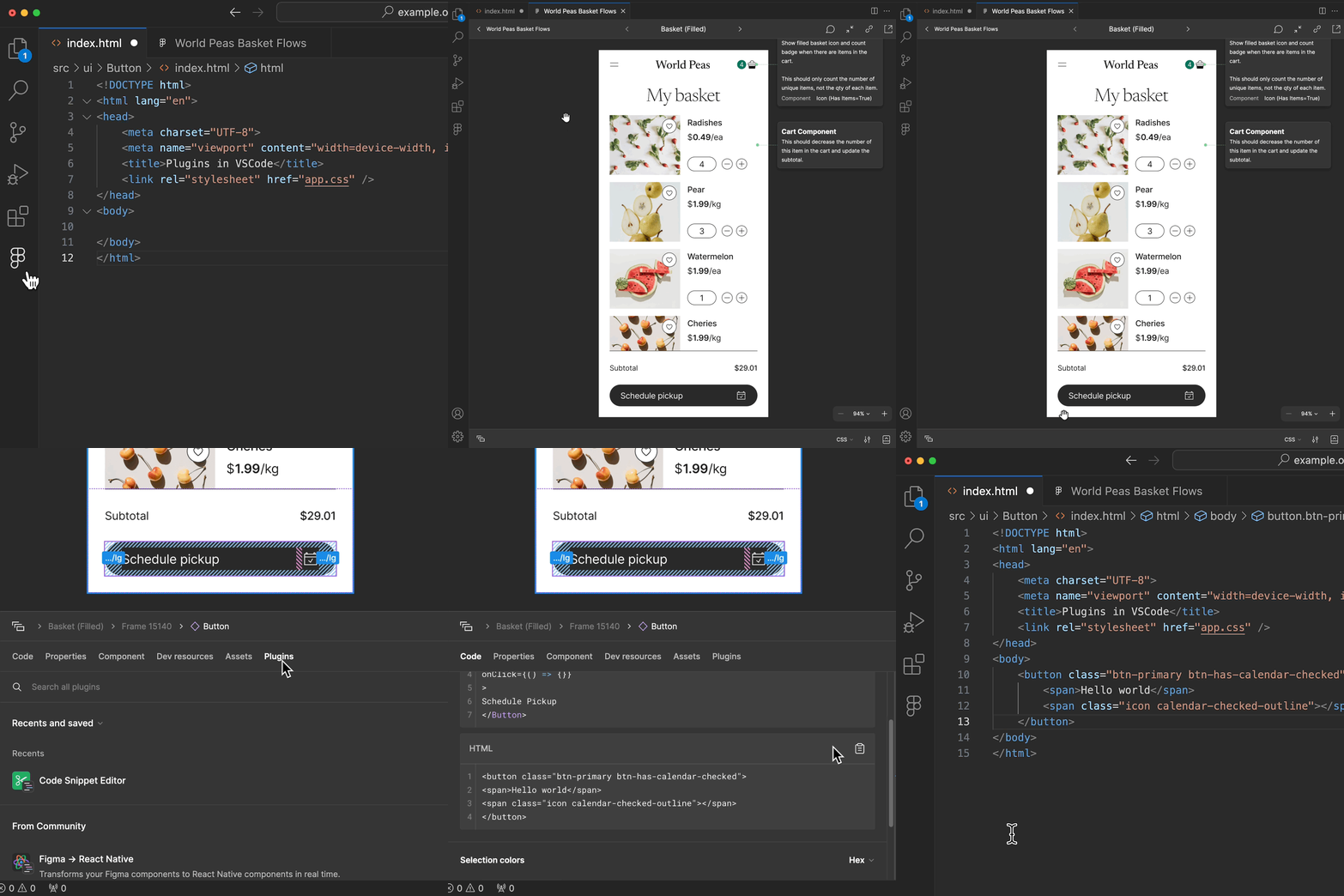
Logic Mapping
Variables & interactions
Transform static designs into interactive prototypes. Use variables, conditional logic, and component states to build prototypes that communicate intent to engineers.
What you'll learn
- Create and manage design variables
- Build conditional logic without code
- Prototype complex user flows
- Bridge the gap between design and development
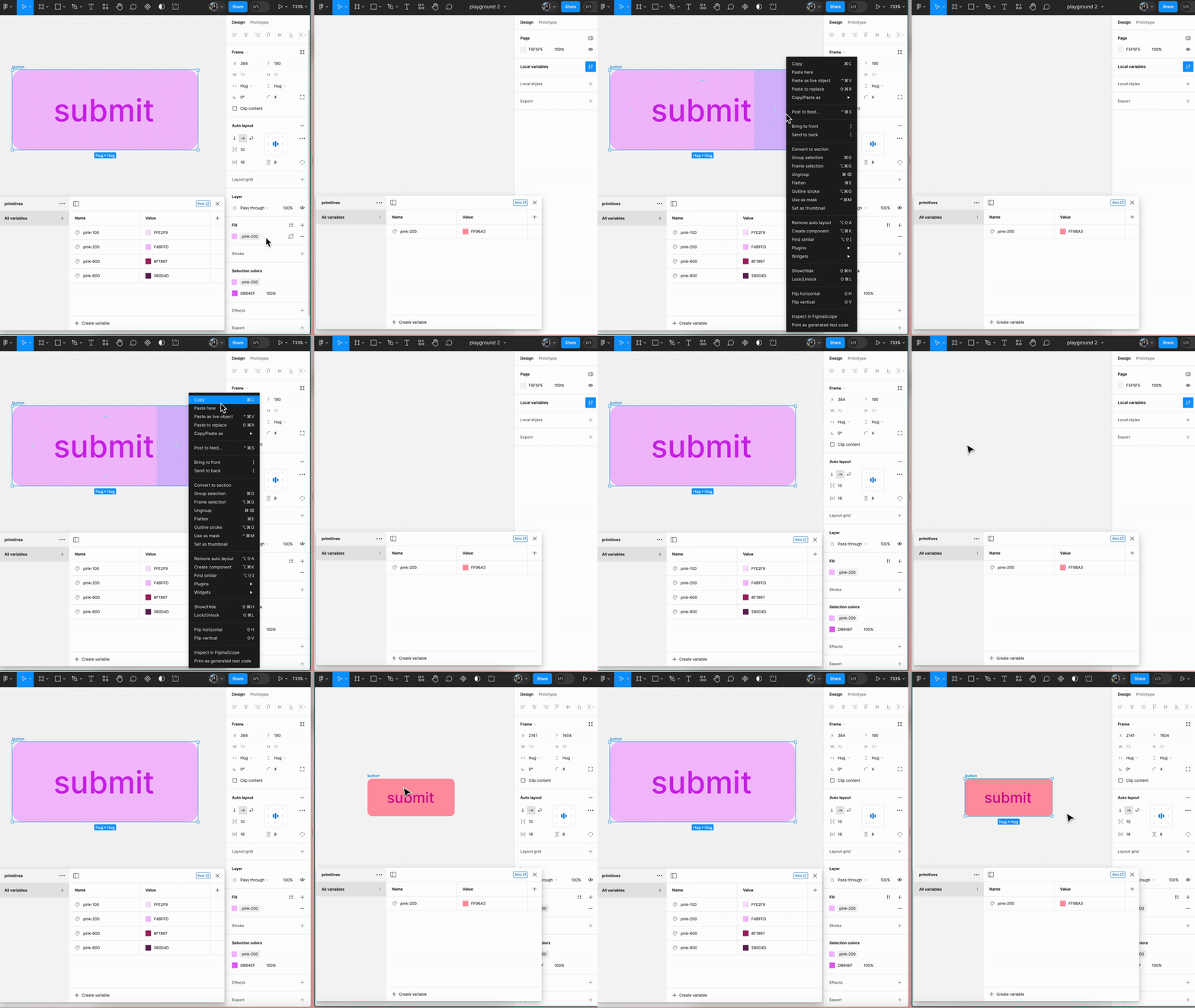
Handoff Systems
Documentation & workflows
Create living documentation that keeps design and engineering in sync. Build specs, annotate decisions, and establish communication workflows that eliminate guesswork.
What you'll learn
- Write specs that developers understand
- Document design decisions and rationale
- Set up shared design tokens
- Establish feedback loops with engineers
Performance Audit
Optimize for speed
Identify and fix layer structures that slow down browsers. Learn to audit files for complexity, reduce nesting, and optimize for rendering performance.
What you'll learn
- Audit UI for performance bottlenecks
- Reduce layer complexity and nesting
- Optimize vector assets for web
- Measure and track file health over time

Start Your Journey
Ready to master the developer path? Join our next cohort and learn from industry experts.
Begin Learning